In-browser firmware flashing requires Chrome or Edge 89+. The app downloads still work in any browser.
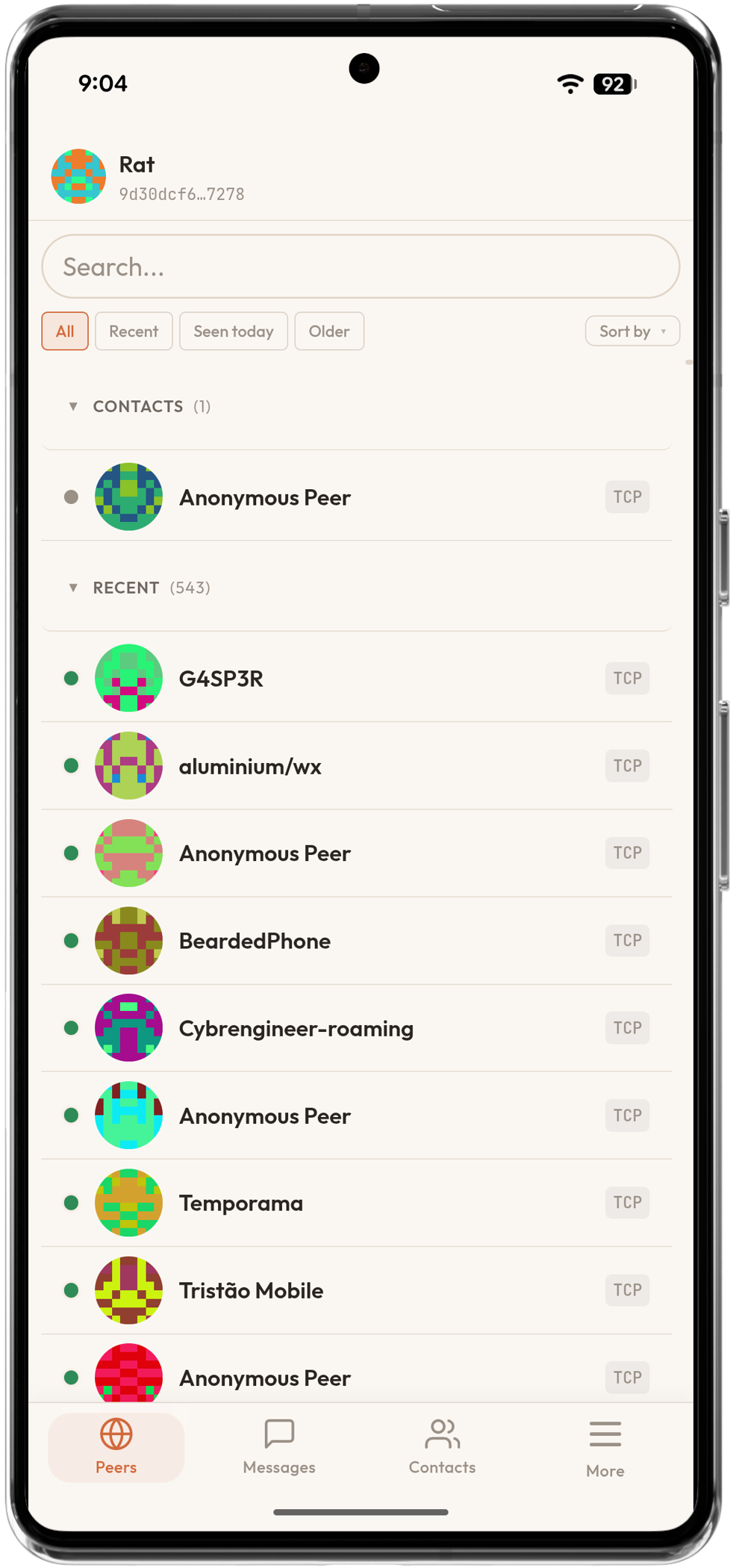
Ratspeak for Cardputer.
Cardputer Adv with Cap LoRa-1262. Standalone messaging or RNode radio.
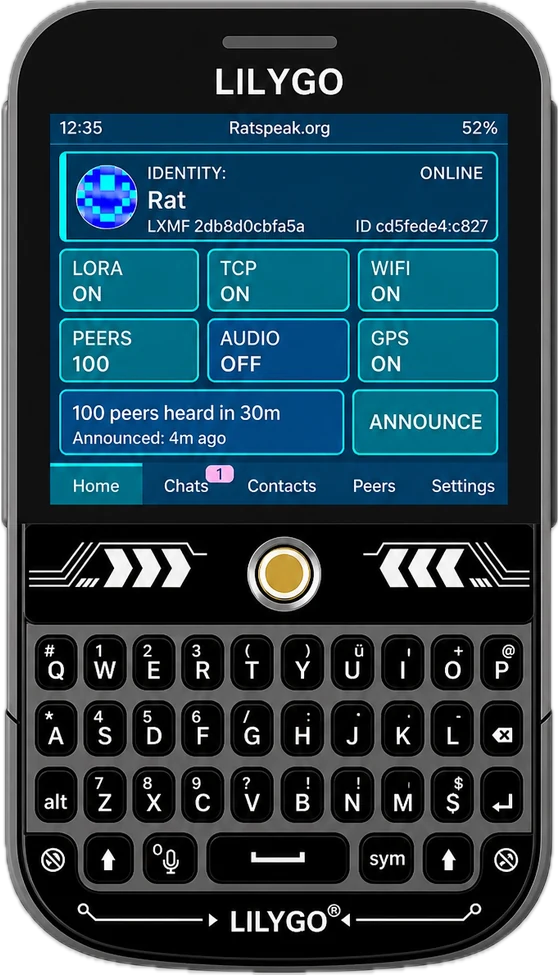
Ratspeak for ThinkNode M9.
Elecrow's full-keyboard handheld, running Ratspeak Handheld.
Build your own
Flash supported hardware.
Bring your own board, build from source, or upload a firmware .zip or .bin.
Choose firmware
Connect USB
Flash
Verify your download.
Verify the signed checksum file, then check the release file you downloaded against it.
Signed checksum file
minisign -Vm Ratspeak.sha256 -P RAT…Downloaded release file
shasum -a 256 -c Ratspeak.sha256Stable releases publish release-file hashes, a signed checksum file, and a pinned public key in the Ratspeak README and docs.
1
Connect
Waiting
2
Firmware
Pending
3
Flash
Preparing
T-Deck Plus
ESP32-S3 · Ratspeak Firmware
Step 01 — Connect
USB Serial Device
No device selected
Tip
- If the device isn't being recognized, try holding
BOOTwhile plugging in your device.
Step 02 — Firmware
Firmware Package
Advanced options
Step 03 — Flash
Select a USB device and firmware to flash.
Preparing...
0%