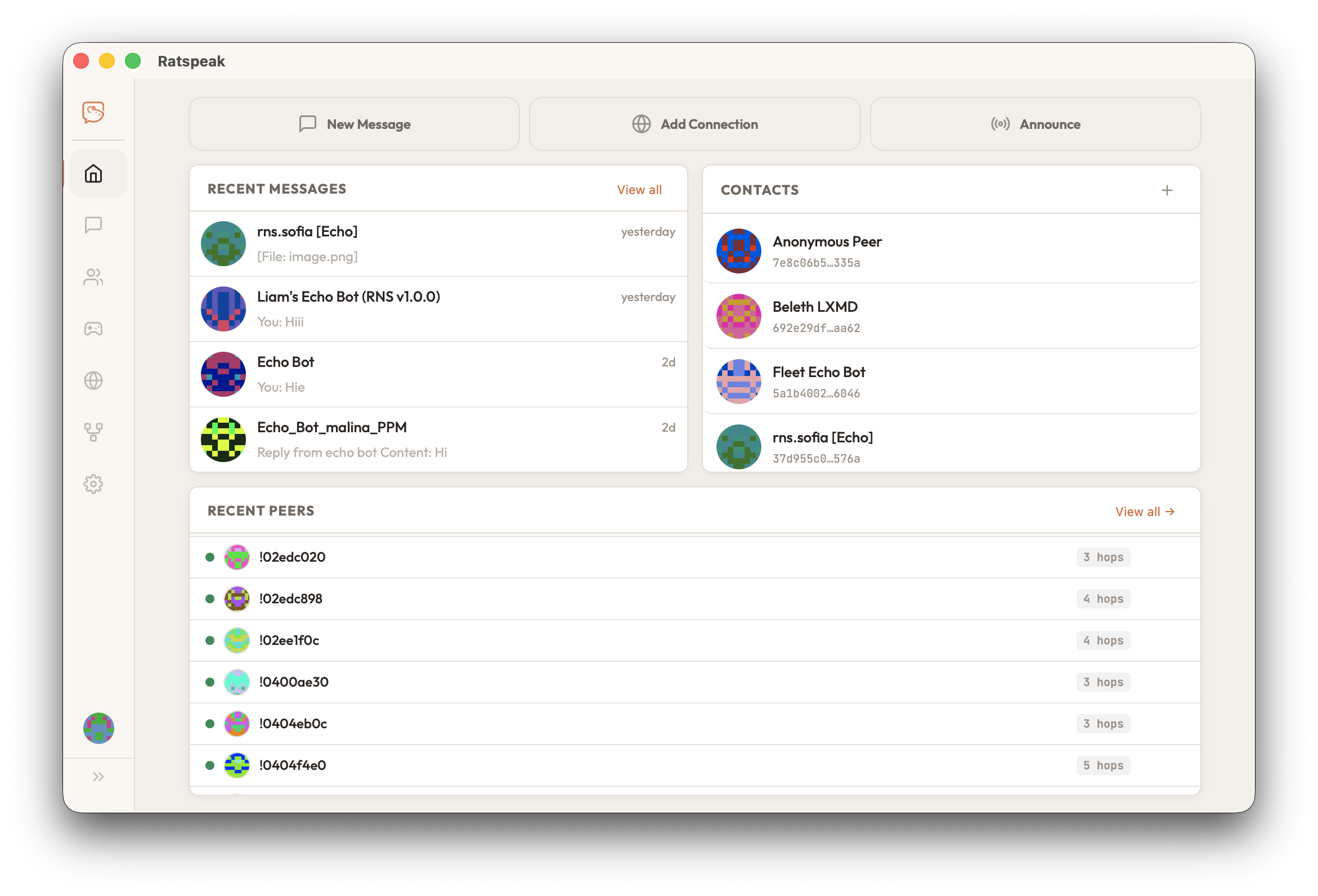
For USB flashing, use a current desktop version of Chrome or Edge with Web Serial available. You can download the app without Web Serial.
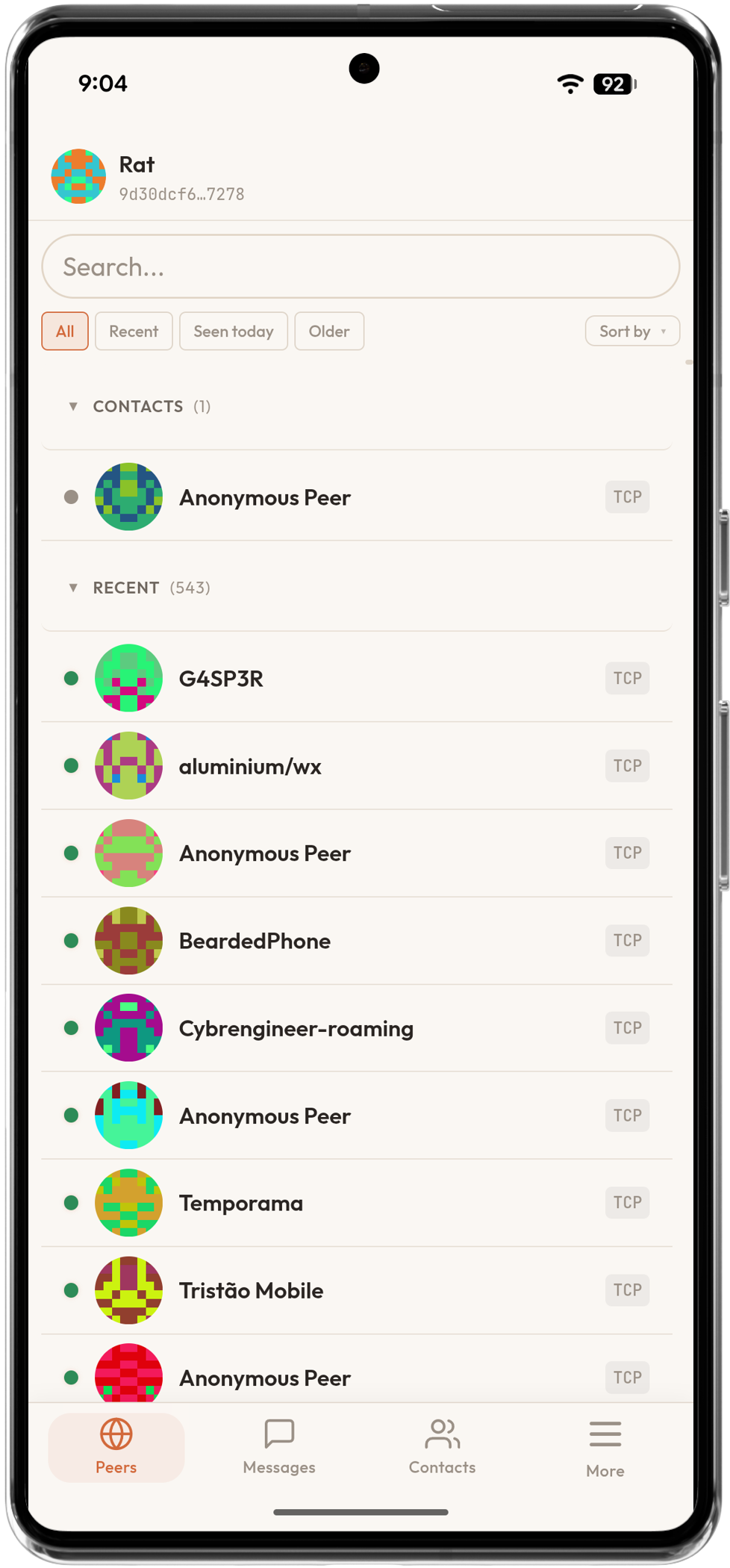
Ratspeak for Cardputer.
Cardputer Adv with Cap LoRa-1262. Standalone messaging or RNode radio.
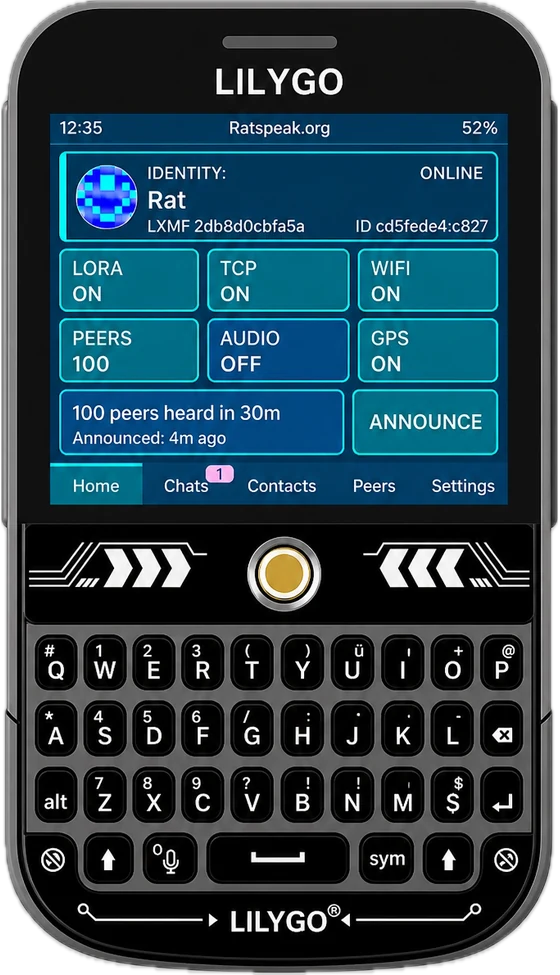
Ratspeak for ThinkNode M9.
Elecrow's full-keyboard handheld, running Ratspeak Handheld.
Build your own
Flash supported hardware.
Use firmware built for your exact board. Build from source or upload a firmware .zip or .bin, following its author’s flash-offset instructions.
Choose firmware
Connect USB
Flash
Verify your download.
Download the checksums file for your platform from the same release as the app. Calculate your file’s SHA-256 hash and compare it with the entry for that exact filename.
macOS terminal
shasum -a 256 "YOUR_DOWNLOADED_FILE"Windows PowerShell
Get-FileHash -Algorithm SHA256 "YOUR_DOWNLOADED_FILE"Replace YOUR_DOWNLOADED_FILE with the actual path. On Linux, use sha256sum "YOUR_DOWNLOADED_FILE". App releases include checksums-macos.txt, checksums-windows.txt, checksums-linux.txt and checksums-android.txt. A matching checksum confirms agreement with that file; it is not an independent signature of its publisher. Handheld releases provide SHA256SUMS.
1
Connect
Waiting
2
Firmware
Pending
3
Flash
Preparing
T-Deck Plus
ESP32-S3 · Ratspeak Firmware
Step 01 — Connect
USB Serial Device
No device selected
Tip
- If the device isn't being recognized, try holding
BOOTwhile plugging in your device.
Step 02 — Firmware
Firmware Package
Advanced options
Step 03 — Flash
Select a USB device and firmware to flash.
Preparing...
0%
rsNode live view
Watch the node's screen and read its status over USB.
Connect to see the screen
Before you connect
- Plug the node in over USB. Close other apps that use its port, such as Ratspeak or a serial monitor.
- If you just installed, press RESET on the board first.
- A Repeater answers status over USB, and so does an RNode that another app is using.
- Node
- Board
- Firmware
- Managers
- Repeater
- Wi-Fi
- Radio
- Packets
- Channel
- Battery
Bluetooth is off while Wi-Fi is on. Turn Wi-Fi off in Settings to pair.
Using ·
rsNode settings
Requires firmware with USB settings support. Read the node's settings, change them here, and save. Saving restarts the node. Region, LIMITS and the radio are set on the device.
Before you read
- Plug the node in over USB. Close other apps that use its port, such as Ratspeak or a serial monitor.
- If you just installed, press RESET on the board first.
- An RNode another app is using over Bluetooth or Wi-Fi shows its settings but saves none: disconnect that app, or hold USB on the node.
Using ·
USB log
rsNode device management
Next: press RESET on the board. Optional: add managers if this node will run as a Repeater you manage remotely.
Managers are optional. They manage this node over the mesh while it runs as a Repeater; an RNode ignores them.
On the node
- Node
- Destination
Press Ctrl+C or ⌘C to copy.Clients pin this destination.
Managers act only while the node runs as a Repeater.